
Recommended Services


Supported Scripts
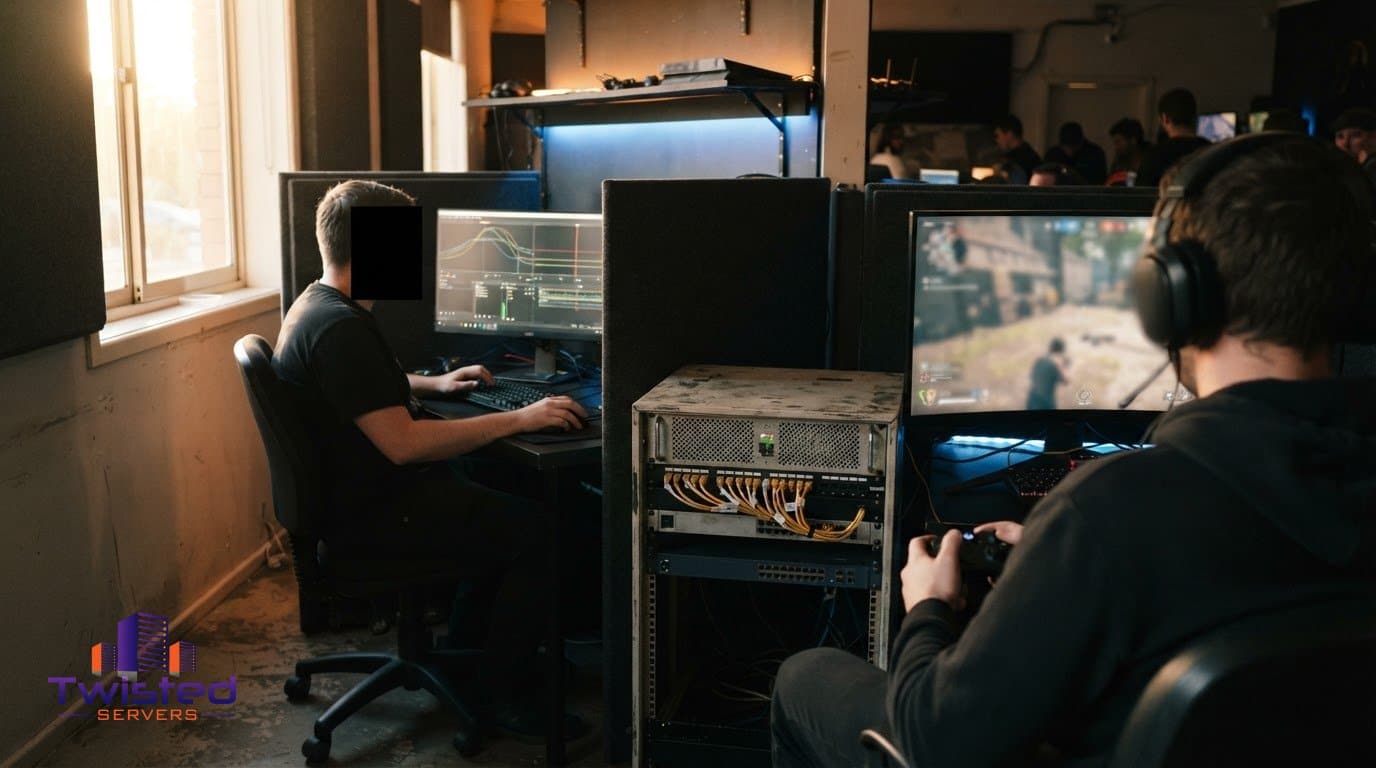

Reduce the information stream snipers can use: delay the broadcast, hide details that reveal a player’s identity or location, and respond to suspected targeting with clear moderation. If you’re wondering how to stop stream sniping on your server, these steps can make it harder for viewers to track players or act on live information. They won’t prevent every incident, but they’re a practical place to start.
It’s frustrating when someone uses a livestream to follow a player, disrupt a match or gain an unfair advantage. The right response depends on the game and the control you have over its server, so combining streamer habits with server-side rules is often more effective than relying on one fix. This guide covers ways to reduce information leaks, set fair rules, handle reports and choose hosting that supports a stable multiplayer experience.
Key Takeaways
- Add a delay to live footage so viewers have less immediate information about a player’s location and actions.
- Hide identifying details and in-game location clues that could help someone track a streamer.
- Set clear rules for suspected targeting, and review reports carefully before taking moderation action.
- Choose a server setup that suits your game and community; hosting supports the server, while stream privacy and moderation reduce sniping risks.
- Consider Australian game server hosting when you want local infrastructure for your multiplayer community.
How to stop stream sniping on my server
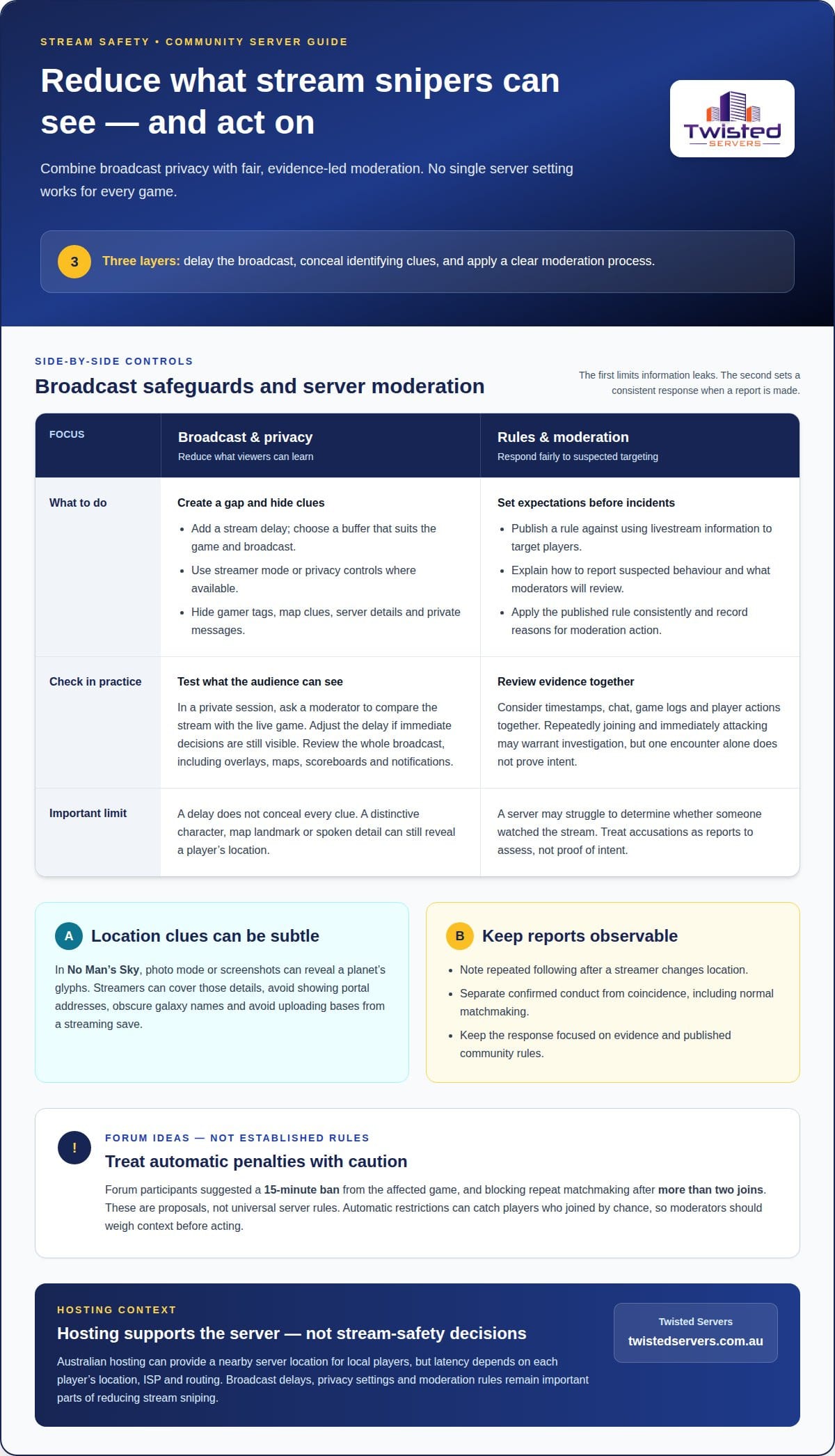
To stop stream sniping on your server, limit what viewers can learn and make moderation predictable. Stream sniping is when someone watches a livestream to join a player’s server, track them or exploit information about their plans. A delay can make live footage less useful, while privacy settings and consistent moderation address other ways players may be targeted. No single server setting works for every game, so tailor each measure to the information your game reveals.
Start with the broadcast: a delay creates a gap between what viewers see and what’s happening in the match. The right delay depends on the game’s pace and the streamer’s format. A fast competitive match may call for a different buffer than a slower game, where viewers might identify a location from the scenery alone. Test the delay in a private session. Ask a moderator to compare the stream with the live game, then adjust the buffer if the footage still reveals immediate decisions.
Next, remove clues that could reveal a player’s identity or location. Use the game’s streamer mode or privacy controls if available, and check what other players can see before going live. Hiding a gamer tag can help, but it won’t conceal a distinctive character, map landmark or spoken clue. In No Man’s Sky, for example, photo mode or screenshots can reveal a planet’s glyphs. Streamers can cover those details, avoid showing portal addresses, obscure galaxy names and avoid uploading bases from a streaming save.
Review the entire broadcast, not just the game screen. Before a session, close overlays that show usernames, server details or private messages. During play, avoid reading out a player’s exact location or sharing a plan opponents could use. If a map, scoreboard or notification reveals sensitive information, switch scenes or hide that area. These steps reduce accidental disclosure without changing the game’s rules or restricting ordinary viewers.
For server moderation, publish a clear rule against using livestream information to target players. Explain what behaviour is prohibited, how to report it and what evidence moderators will review. Repeatedly joining a player and immediately attacking them may warrant investigation, but one encounter alone doesn’t prove intent. Where available, review timestamps, chat, game logs and the player’s actions together. Don’t treat an accusation as proof, and give moderators a consistent process for documenting decisions.
- Keep reports focused on observable details, such as repeated following after a streamer changes location.
- Separate confirmed conduct from coincidence, especially when players can meet through normal matchmaking.
- Apply the published rule consistently, and record the reason for any moderation action.
Some communities may consider a temporary restriction for a confirmed incident. A Hive forum participant proposed a 15-minute ban from the affected game, while another suggested blocking repeat matchmaking after more than two joins. These are suggestions, not universal server rules. Automatic penalties can catch players who joined by chance, so moderation should weigh context before acting. A server may also struggle to determine whether someone watched the stream at all.
Review your measures after reports or game changes. Check whether broadcasts still expose gamer tags, map locations or server details, then update streamer guidance and moderator procedures. If someone is being camped in a PvP game, community members can help them regroup while moderators assess any reported rule breach. Keep the response focused on evidence and the community’s published rules.
Suggested safeguards include separating identity from interaction and creating a gap between gameplay and broadcast. A forum participant proposed a streamer mode that would hide a player’s gamer tag from everyone except people they’re directly interacting with. Another commenter suggested using a stream delay to reduce stream sniping in World of Warcraft. No Man’s Sky streamers can delay footage so viewers can’t immediately tell where they are. These approaches address different information risks: visible identity, location and the timing of what viewers see.
Enforcement proposals vary, too. One forum user proposed preventing a player from matchmaking with a Hive streamer after joining that streamer’s game more than twice. A Hive forum user said it would be almost impossible for a server to determine whether a player was stream sniping. That concern matters when considering automatic matchmaking restrictions: one proposal sets a trigger, while the comment highlights how difficult it can be to establish intent. Treat these as ideas raised by forum users, not established server features.
Twisted Servers: Game Server Hosting
Twisted Servers provides Game Server Hosting for communities that need a dedicated environment for multiplayer play. Australian hosting can support local players with a nearby server location, although latency still depends on each player’s location, ISP and routing. Hosting gives your community a place to run its game server; broadcast delays, privacy settings and moderation rules remain important parts of reducing stream sniping.
If you manage server files or settings yourself, our Game Server Hosting is a relevant option. For a setup requiring more control over the server environment, Dedicated Server Hosting may also suit your needs. Choose the option around the game’s requirements and how you plan to manage the server, rather than expecting hosting alone to identify or stop stream snipers.
Contact Twisted Servers to discuss your game server hosting needs.
Build a safer routine for your community
Decide who is responsible for each part of stream safety. Assign a moderator to review incidents, establish a clear process for escalating concerns, and schedule a review when your community changes how it streams or plays. A designated owner helps ensure reports aren’t overlooked and gives players a consistent point of contact.
Treat stream safety as an ongoing part of community planning. Review whether your current setup still suits the game and how your community operates, then identify any changes that would support its next stage. A practical plan lets you improve over time instead of relying on a single measure.
When you’re ready to discuss hosting for your community, speak with Twisted Servers. You can take the next step with a clearer view of what your server needs.
Disclaimer
Game titles, trademarks, logos and related assets are the property of their respective owners. Twisted Servers is an independent hosting provider and is not affiliated with or endorsed by the developers or publishers of the games mentioned unless otherwise stated. Information is provided as a general guide and may change as games, software and hosting services are updated.

