
Recommended Services


Supported Scripts
How to troubleshoot Mordhau server connection problems
Why can players see your Mordhau server but still fail to join? A listing doesn’t confirm that the server is ready to accept connections, or that you’re using its game address rather than a query or beacon port. Effective Mordhau server troubleshooting starts by checking these separately ...

Mordhau server management for dedicated servers
A Mordhau server can launch and still need careful configuration before it’s ready for your community. Mordhau server management covers installing the dedicated-server files with SteamCMD and setting access, player slots and map rotation in Game.ini. The server uses Steam App ID 629800 for installation.Configuration files and ...
How to configure a Mordhau server for large battles
What if the choice between renting and self-hosting matters as much as your Mordhau server configuration? You can rent game server hosting or run a dedicated server yourself; for large battles, the Mordhau server configuration guide advises staying at or below 64 players, as higher capacity can ...
Mordhau server hosting for setup, protection and support
A Mordhau match depends on a server that can host the players and the session. Mordhau supports battles with up to 64 players, while hosted server arrangements give groups a place to organise multiplayer sessions. The useful choice is the one that suits your community’s needs and ...
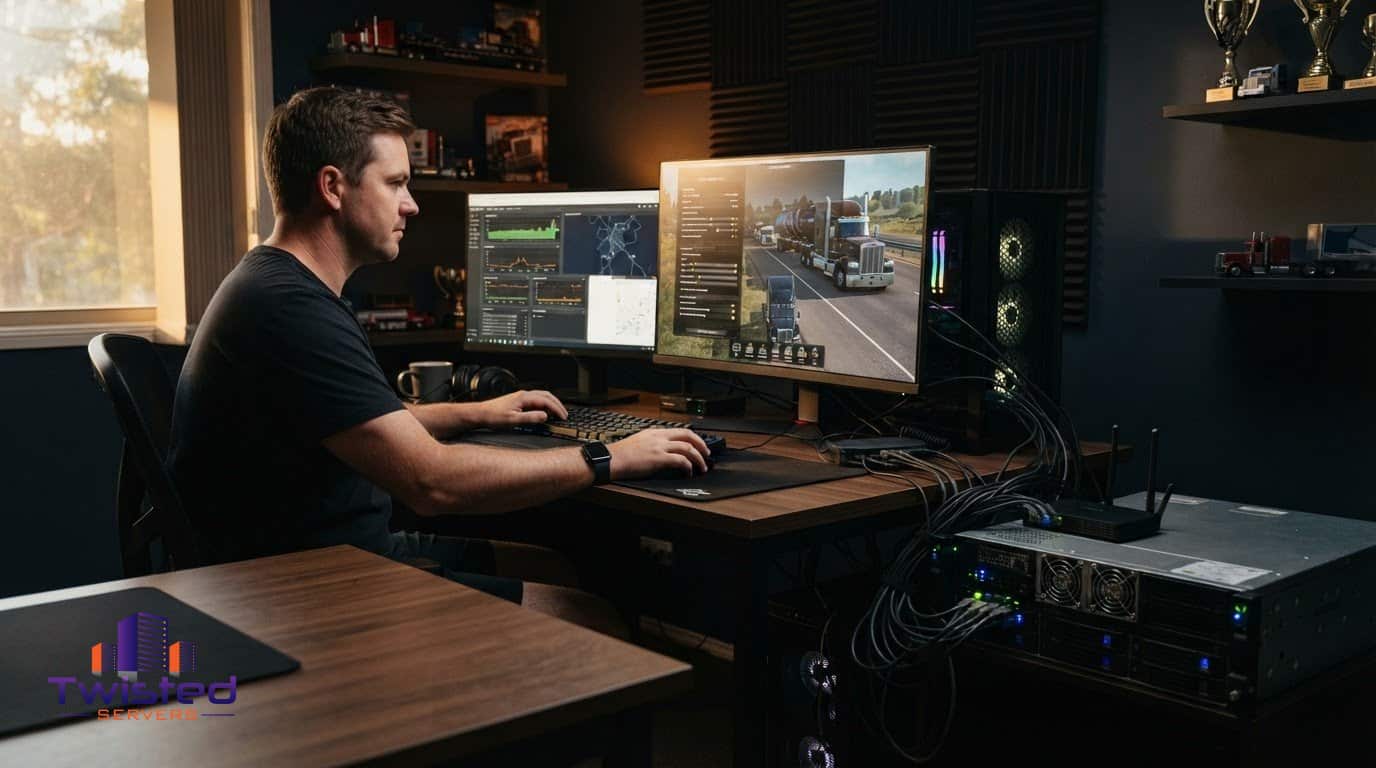
How to Select a Server Plan and Set Up American Truck Simulator Hosting
A dedicated server can give your convoy a consistent place to meet and let you manage how sessions are set up. American Truck Simulator’s Convoy mode supports up to 8 players, making it a practical option for groups who want to travel together regularly.Choosing a plan isn’t ...
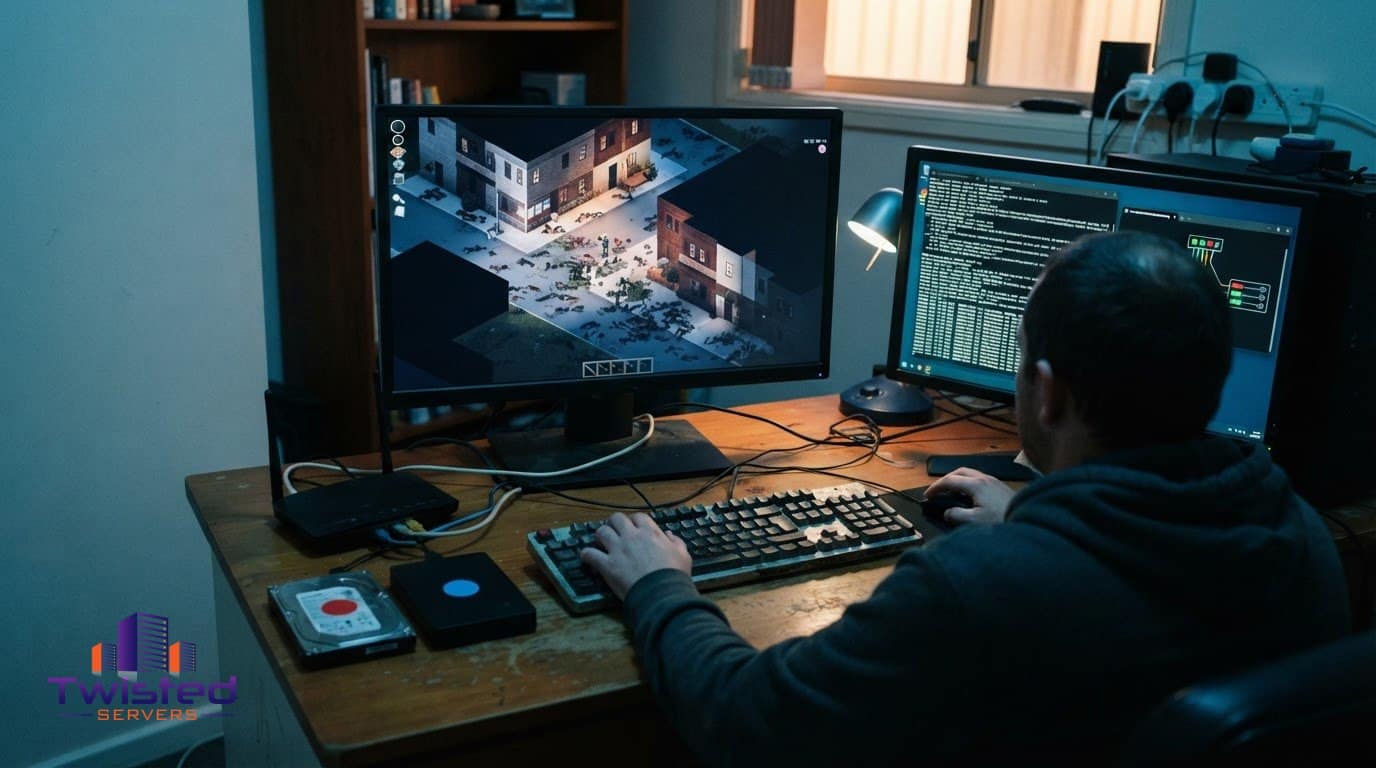
How to install and connect a Project Zomboid B42 server
A Project Zomboid B42 server setup uses dedicated server files, configuration and two UDP ports: 16261 and 16262. If you’re considering moving a backup or a pre-B42.20 save into B42.20, preserve the original and test a separate copy first. Don’t treat a successful launch as proof that ...
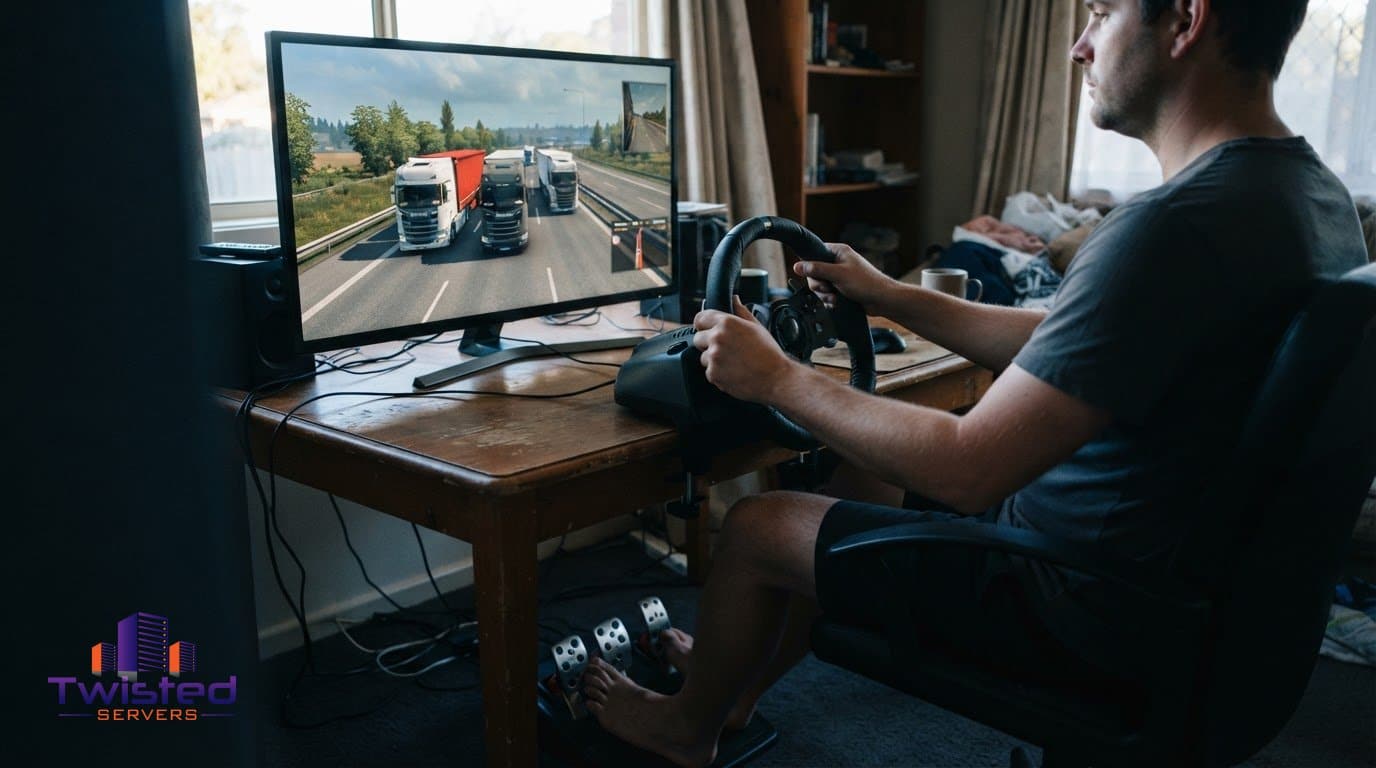
How to set up a stable Euro Truck Simulator 2 server
A stable Euro Truck Simulator 2 server depends on more than installation alone. Choose a hosting approach that suits your convoy, configure the environment carefully, and plan how the server will recover when something goes wrong. These decisions shape how easily your group can join and how ...
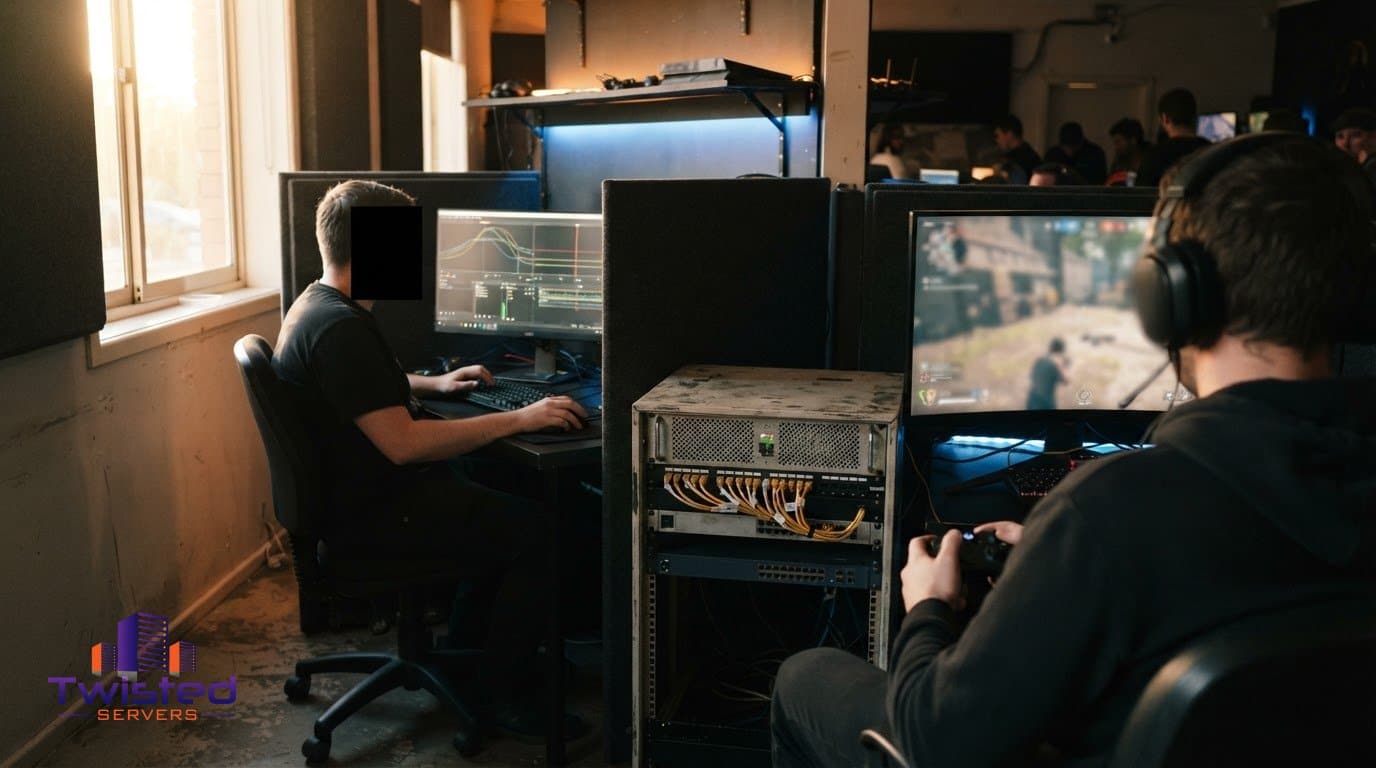
How to Stop Stream Sniping on Your Server
Reduce the information stream snipers can use: delay the broadcast, hide details that reveal a player’s identity or location, and respond to suspected targeting with clear moderation. If you’re wondering how to stop stream sniping on your server, these steps can make it harder for viewers to ...
Automating Game Server Restarts and Updates for Your Server
A restart schedule should do more than switch your server off and on. Automating game server restarts and updates can help keep server software current, give players warning before downtime and bring a server back after a crash. For Unturned, operators are advised to restart the server ...
Add Mods to a Dedicated Server and Keep Them Synchronised
A modded server runs smoothly when its files, settings and player clients are in sync. To learn how to add mods to a dedicated server, install server-compatible files, configure the game’s mod settings or launch options, then restart the server. Exact steps vary by game, and some ...