
Recommended Services


Supported Scripts
How to Stop Stream Sniping on Your Server
Reduce the information stream snipers can use: delay the broadcast, hide details that reveal a player’s identity or location, and respond to suspected targeting with clear moderation. If you’re wondering how to stop stream sniping on your server, these steps can make it harder for viewers to ...


Automating Game Server Restarts and Updates for Your Server
A restart schedule should do more than switch your server off and on. Automating game server restarts and updates can help keep server software current, give players warning before downtime and bring a server back after a crash. For Unturned, operators are advised to restart the server ...

Add Mods to a Dedicated Server and Keep Them Synchronised
A modded server runs smoothly when its files, settings and player clients are in sync. To learn how to add mods to a dedicated server, install server-compatible files, configure the game’s mod settings or launch options, then restart the server. Exact steps vary by game, and some ...
How to Manage Player Permissions on a Project Zomboid Server
Use the server’s Player Management controls to review and adjust access. Managing player permissions on a game server means making deliberate changes with the tools available, then checking that the result matches your intention.As a server administrator, you’re responsible for making access decisions clear and consistent. A ...

How to set up a game server and let friends join
To let friends join a Left 4 Dead 2 dedicated server, make it reachable from their connection and share the server address and required connection details privately. You can host from home by configuring your network, use a private network for invited players, or run the server ...
How to set up a Palworld server, connect and restore backups
To learn how to manage a Palworld server, install the dedicated server, set its connection port to 8211 UDP, and configure your network so players can reach it. A dedicated server supports up to 32 players; save data lives in Pal/Saved/SaveGames/, which you should copy at least ...
How to choose Valheim server hardware, backups and protection
The strongest Valheim server hosting options aren’t defined by hardware alone. Choose a setup that suits your group and places the server near its players, which can improve their chances of getting better connectivity. CPU, RAM and storage matter, but so do backups, DDoS protection, uptime terms ...
How to manage Valheim server permissions and player access
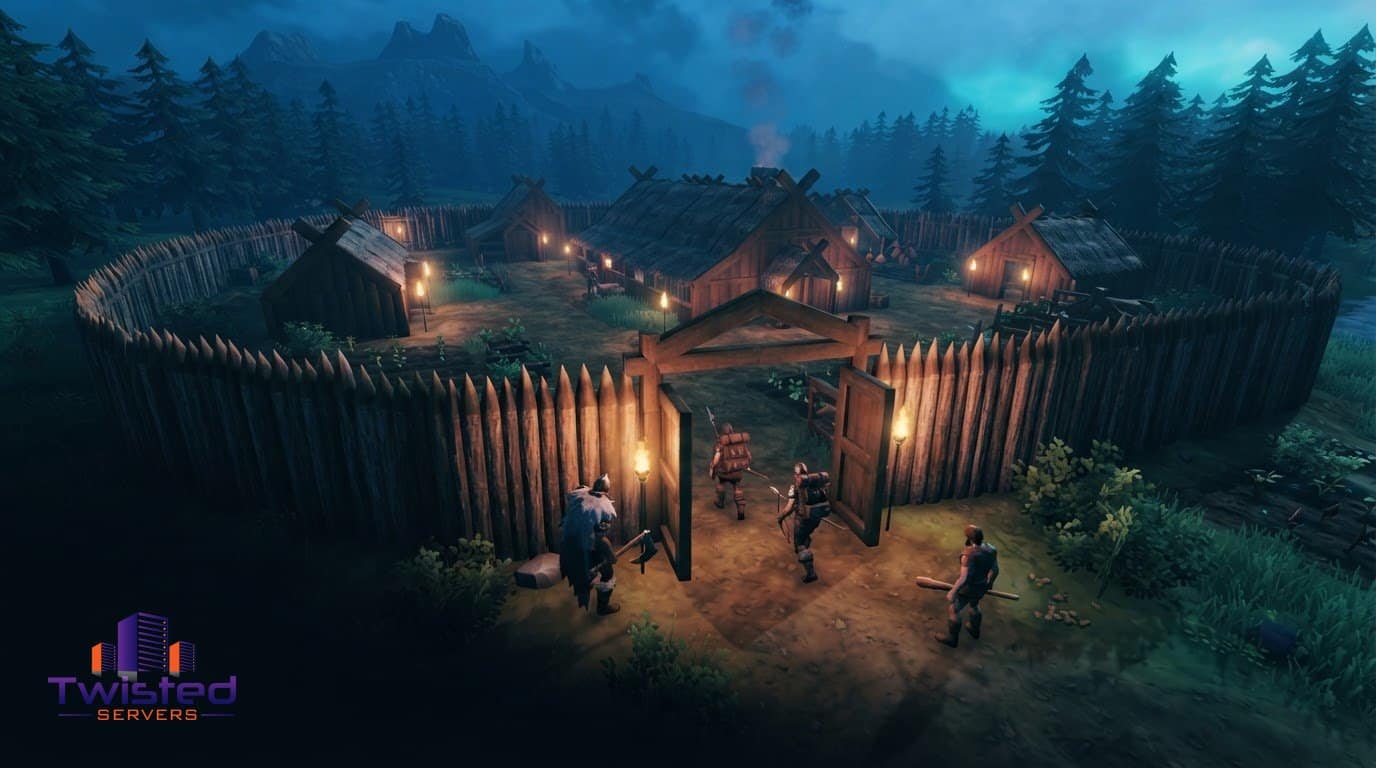
Valheim server permissions are managed through player lists and in-game admin commands. You can control who may join, assign administrator access, address disruptive behaviour and restore access when a ban should end. Match each action to the access decision you need to make.A failed connection can have ...
How to find, back up and restore a Valheim server world save
To move a Valheim server world save, copy the complete world folder from worlds_local for a current-format save. Older saves use a matching .db and .fwl pair. Set the dedicated server’s -world argument to the exact folder name or, for a legacy save, the filename stem. Stop ...

How to back up Valheim server worlds to cloud storage
Valheim server backups start with the world save files on Windows. They’re usually stored in %userprofile%AppDataLocalLowIronGateValheimworlds, though a server beta may use a worlds_local subfolder. A complete world copy includes both its .db and .fwl files.Knowing the location helps, but a dependable routine also needs to run ...